



Great tool for online teaching
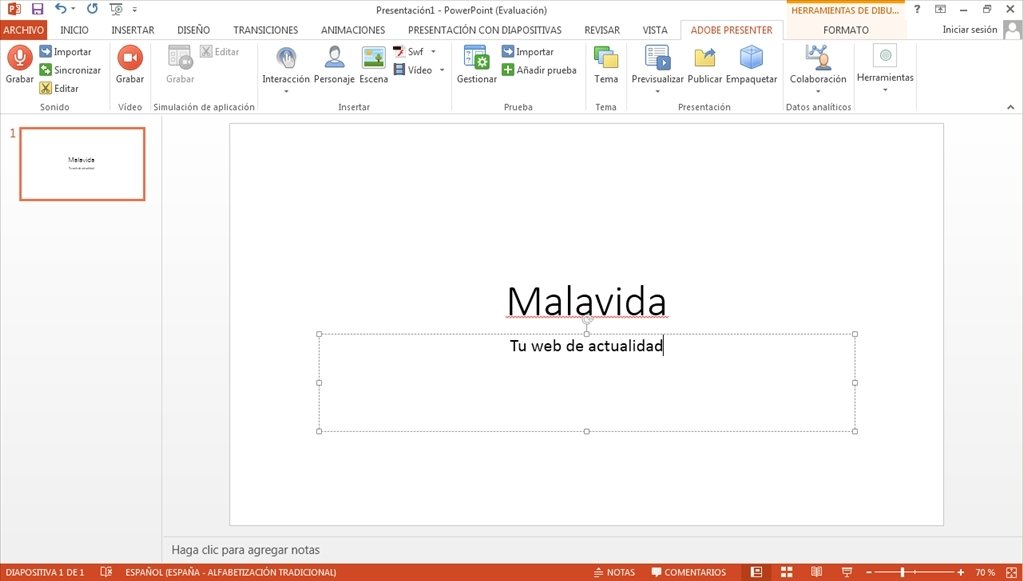
Adobe Presenter lets you create contents that are ideal for distance learning and teaching. In only a few steps you'll be able to create your own lessons on HD video or design interactive presentations with questionnaires.
Transform your presentations in PowerPoint.
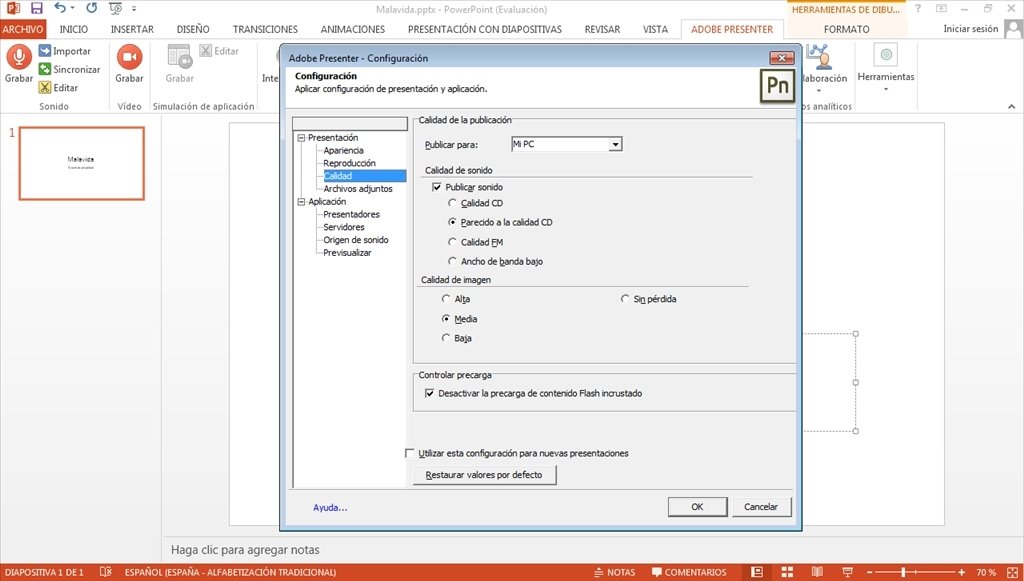
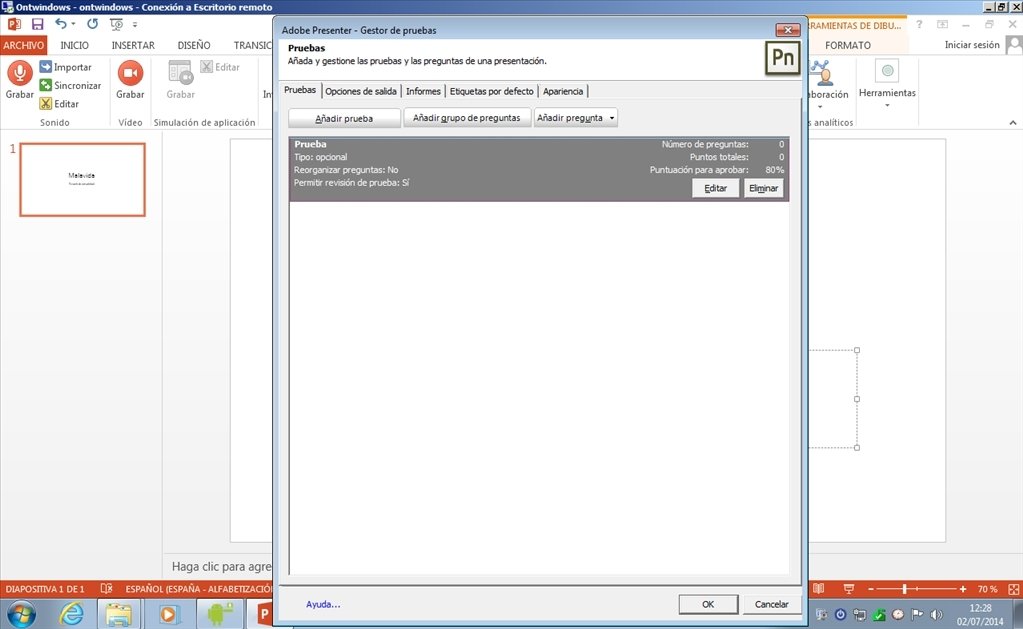
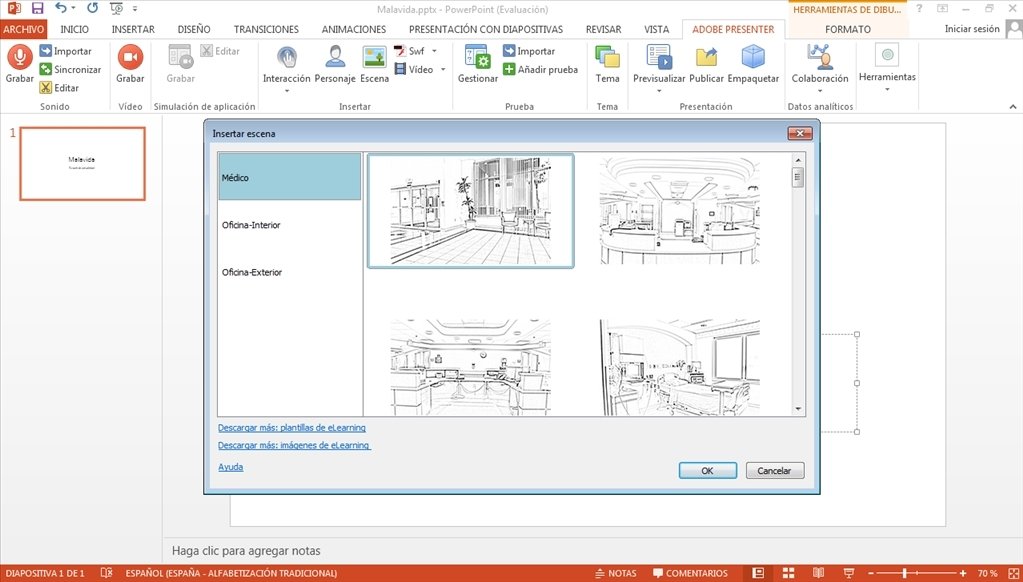
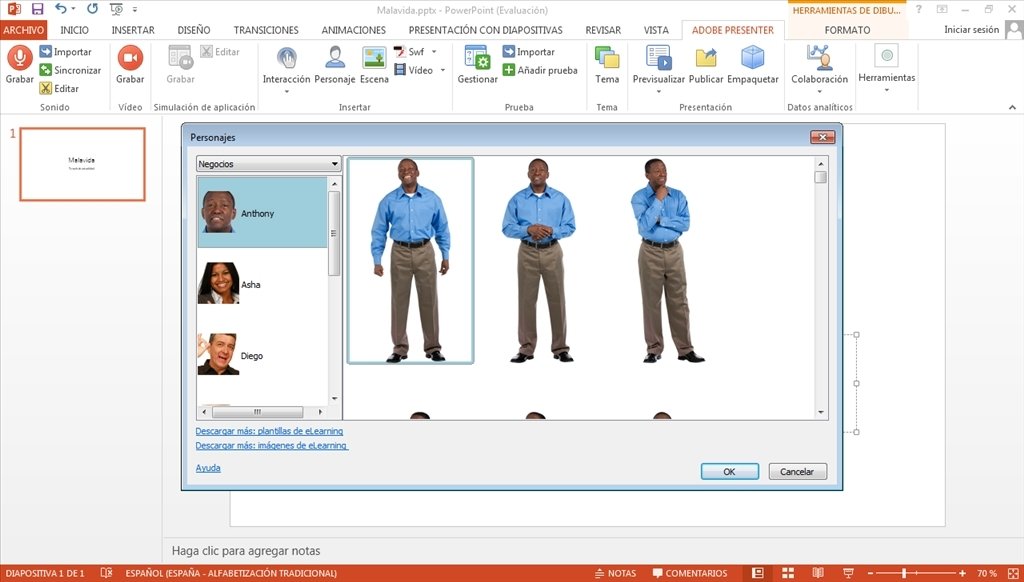
Thus, for example, after finishing a PowerPoint presentation we'll be able to add animations, questionnaires or narrations, among many other things, from a very simple and intuitive interface. Adobe Presenter is the appropriate tool for those people that want to create courses and dynamic contents, without having any coding or design knowledge.
Noteworthy aspects of Adobe Presenter
Some of the most significant aspects of this program are:
- Creation of lessons on video with HD quality.
- Transformation of PowerPoint presentations into contents appropriate for eLearning.
- Possibility to create narrations for the presentations.
- Inclusion of statistical functions to monitor students.
- Integration of learning management systems (LMS).
Adobe Presenter is an ideal application for training, education and marketing, due to its versatility and how easy it is to use.
Requirements and additional information:
- The trial version can be used for 30 days.
- Requires Microsoft PowerPoint 2007, 2010 or 2013 (32 bits) for installations of Adobe Presenter (32 bits) and Microsoft PowerPoint 2010 or 2013 (64 bits) for installations of Adobe Presenter (64 bits). Also Microsoft XML Library 4.0 for Adobe Presenter (32 bits) and Microsoft XML Library 6.0 for Adobe Presenter (64 bits).
- QuickTime software is necessary for multimedia functions.
- Requires a 7z compatible compressor.
- Certain functions require an Internet connection.
 Vanessa Martín
¡Hi! I am Vanessa Martin, I like to travel, music, photography, and I am passionate about the Internet, as it is a great source of information where you can find everything you need. If it exists, it is on the Internet. Another of my great...

Antony Peel